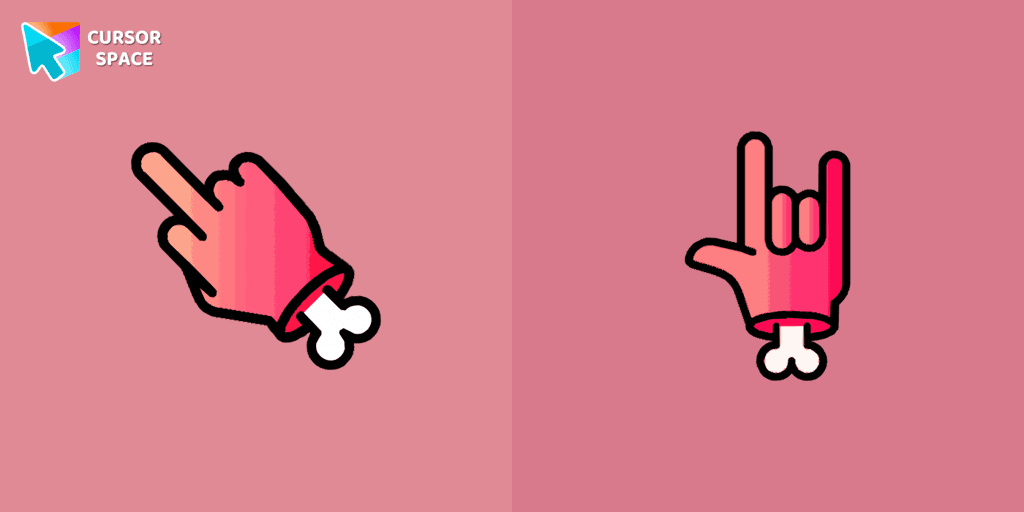
Zombie red hand cursor
38Free
Enhance your browsing with the Zombie Red Hand custom cursor. This unique custom cursor for Google Chrome adds personality and a playful touch to your screen.
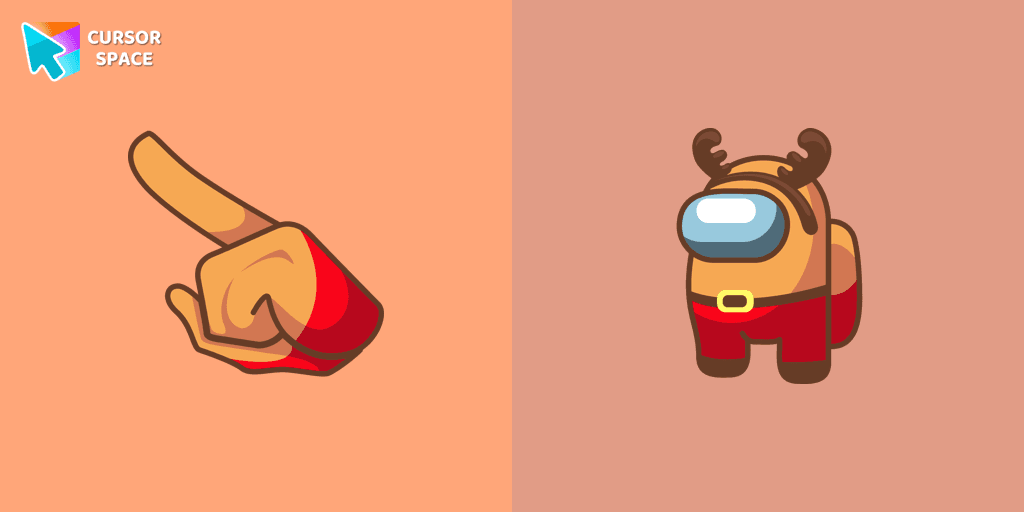
Are you ready to add a touch of enchantment and whimsy to your computer screen? Look no further than the Among Us Deer Character Cursor Funart! This delightful custom cursor combines the popular game Among Us with a playful and charming deer character, creating a fun and magical experience for users.
The Among Us Deer Character Cursor Funart is all about embracing creativity and imagination. With its unique and artistic design, this cursor instantly captures attention and brings a sense of wonder to your screen. The merging of the deer character with the world of Among Us creates a one-of-a-kind cursor that will enchant and delight users of all ages.
Installing the Among Us Deer Character Cursor Funart is easy and straightforward. With just a few simple steps, you can replace your standard cursor with this whimsical creation. Personalize your computer experience while showcasing your love for Among Us and your appreciation for creative, fun artwork.
Install the Cursor Space extension for Chrome or Cursor Space for Edge in your browser.
On this page, click "Add this cursor pack to the extension".
Open the extension and go to the Packs tab.
Find the custom cursor pack "Among Us Deer Character cursor" and click it.
Enjoy!
Get this cursor pack and thousands of others by installing our extension. It's fast and free!
Among Us Deer Character Cursor is a themed cursor pack you can add to your browser to personalize your pointer across common cursor states (default and pointer). Use it for everyday browsing, streaming, studying, or gaming-anywhere you want your cursor to match your vibe.
See how the cursors look before installing.
Add the pack to the extension in a few clicks.
Designed for Chrome and Edge via the extension.
Quick answers to common questions about cursor packs, collections, and installation.
Yes. To apply cursor packs in Chrome or Edge, install the Cursor Space extension and add this pack to it.
Cursor packs are designed for Chromium browsers like Chrome and Microsoft Edge.
Open the extension, choose another pack or disable the current one to return to your default cursor.
Custom cursor and packs - neon, anime, pixel art. Quickly add to Chrome and Microsoft Edge for free
Enhance your browsing with the Zombie Red Hand custom cursor. This unique custom cursor for Google Chrome adds personality and a playful touch to your screen.

Meet the custom cursor with Hello Kitty Devil for Chrome in a Hello Kitty custom cursor collection for mouse and pointers.

Enhance your desktop with Bibata Modern Classic Cursor - a stylish custom cursor that combines elegant design with classic comfort for everyday use.
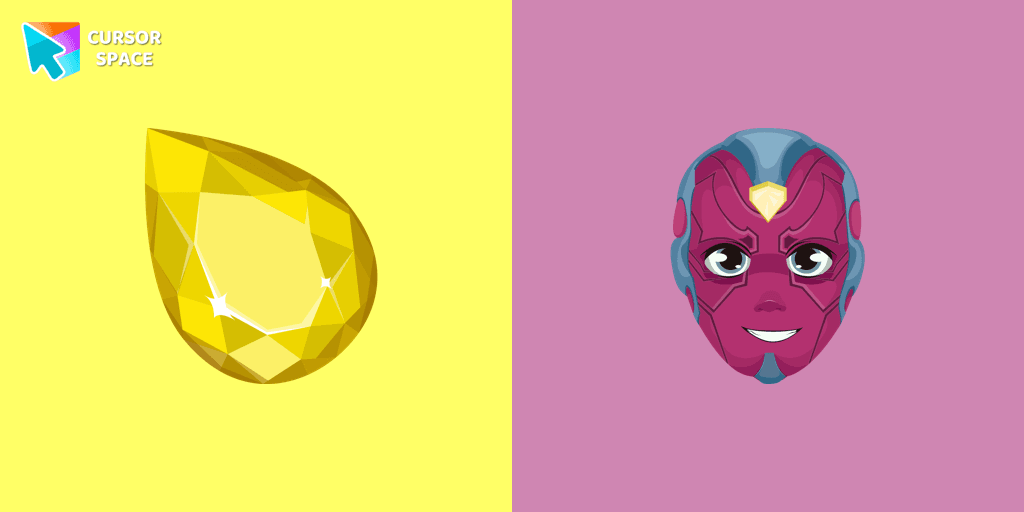
Enhance your browsing with the Vision custom cursor for Google Chrome. Featuring the sleek android from the Marvel universe, it adds sophistication and allure

Upgrade your browsing with the Vibrant Orange Gradient Cursor. This custom cursor offers a seamless orange gradient, merging style with functionality
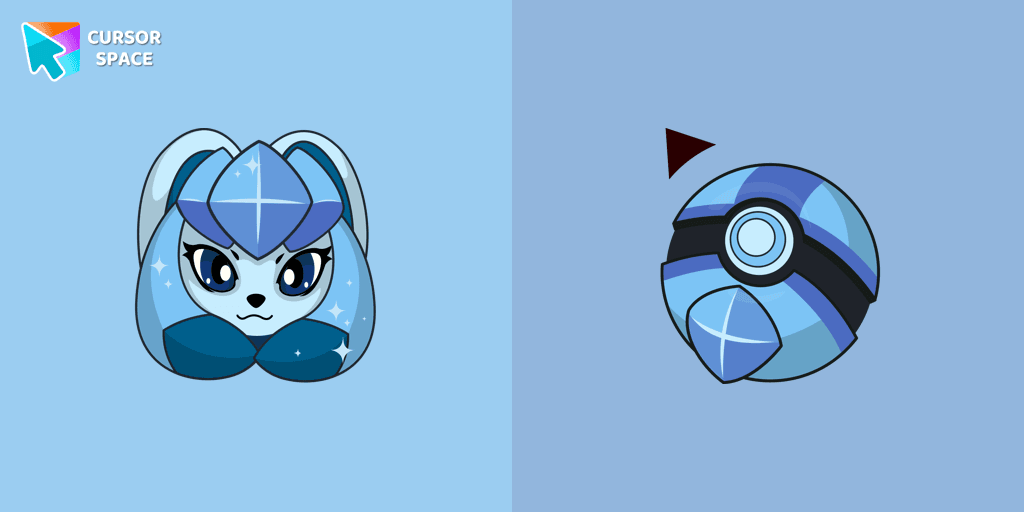
There is a custom cursor with Glaceon as a hover in a set of Pokemon cursors for Chrome.

XXXTENTACION cursor you can use as a custom cursor for mouse and pointer from our Rappers custom cursors collection for Chrome.
A yellow shooting star as a cursor for the mouse and a Wish Bear pointer will look pretty nice on your screen.
Create magic on the webpage with a wand cursor for mouse and pointer. The cutest custom cursors collection changes the usual cursor for the mouse with your favorite cutie item.
Red and white electric guitar hover come together with the custom cursor with Toy Bonnie.

Toby cursor for a mouse is a good fan art to decorate your browsing. A battle hammer hover comes together with the custom cursor with Toby.
Installation leaders from "Among Us cursors": free packs, neon/anime/pixel art, quick add to Chrome and Edge.
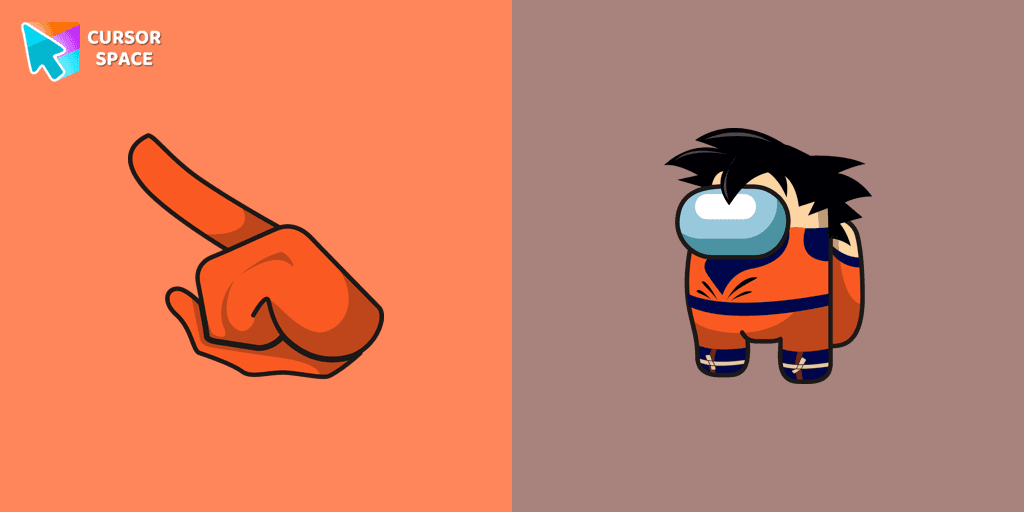
The Among Us Son Goku Character cursor is an exciting addition to the browser cursor collection.
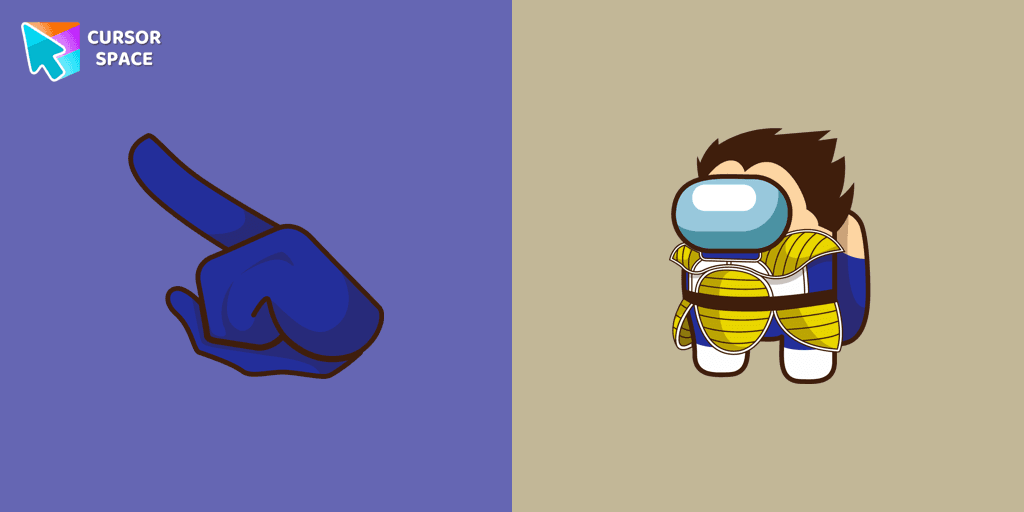
Add a dynamic touch to your browsing with the Among Us Vegeta custom cursor for Google Chrome. Perfect for Dragon Ball and Among Us fans!

Introducing the Cute Among Us Kakashi Hatake Character Cursor: A Perfect Blend of Two Favorites!
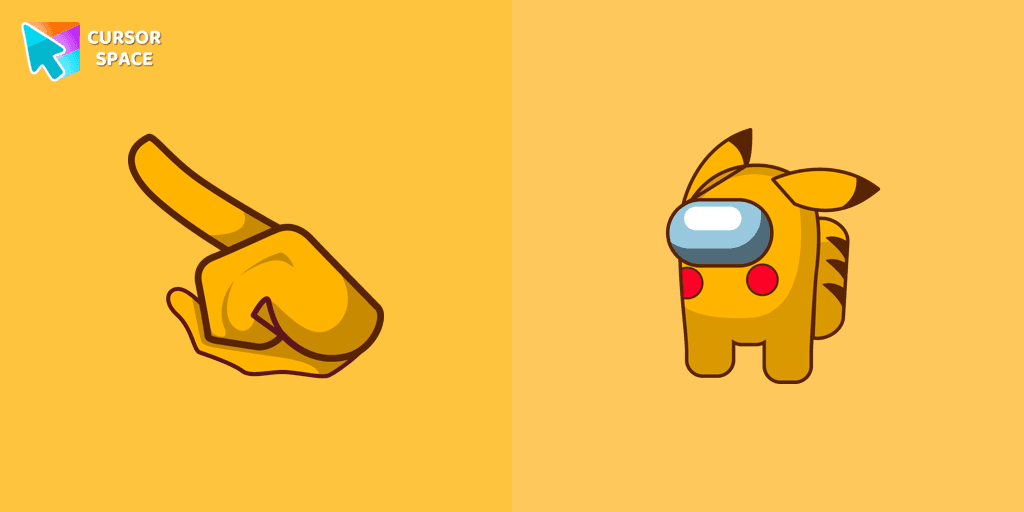
Add a touch of fun to your browsing with a custom cursor for Google Chrome featuring vibrant orange Pokémon characters like Charmander and Infernape.
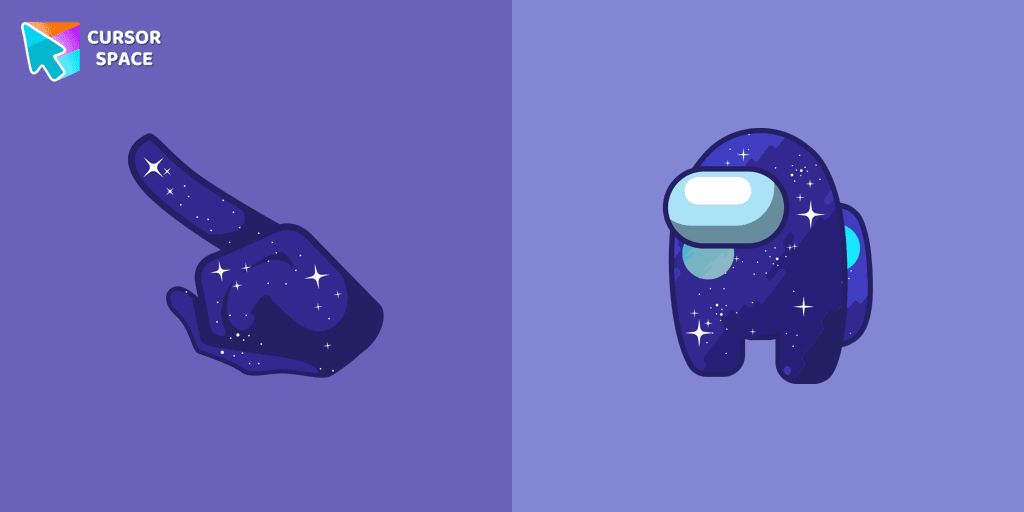
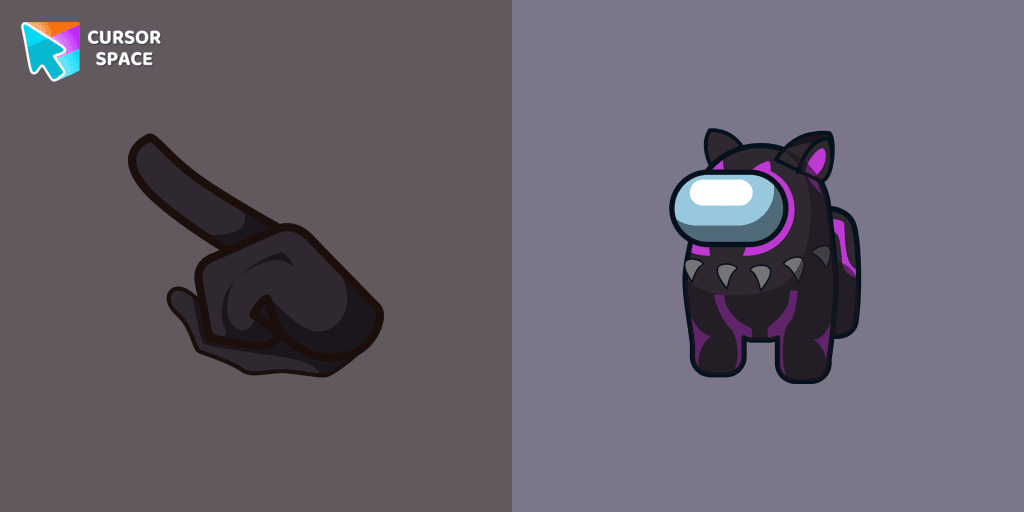
The Black Panther character cursor has become a highly sought-after customization option in Among Us.
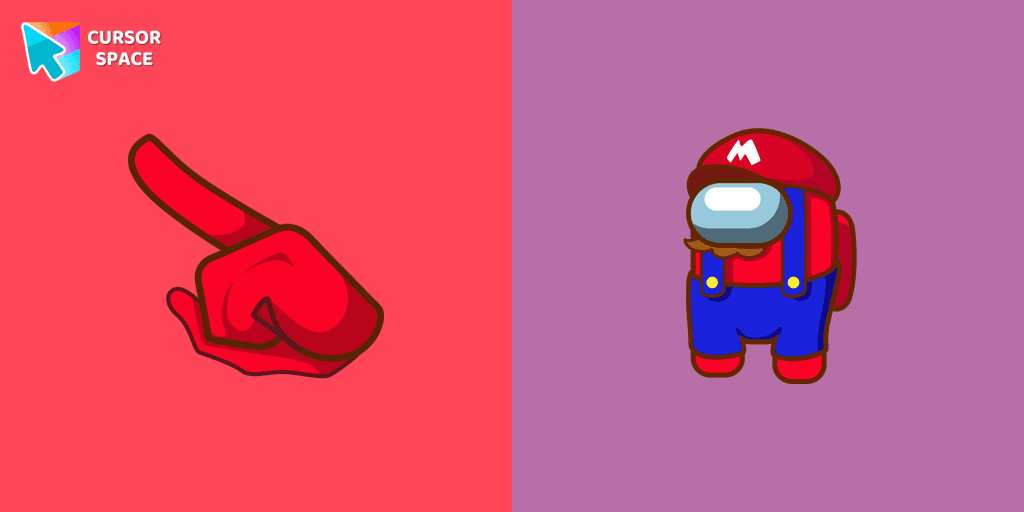
In the vast array of cursors available, let's not overlook the vibrant red Super Mario characters.
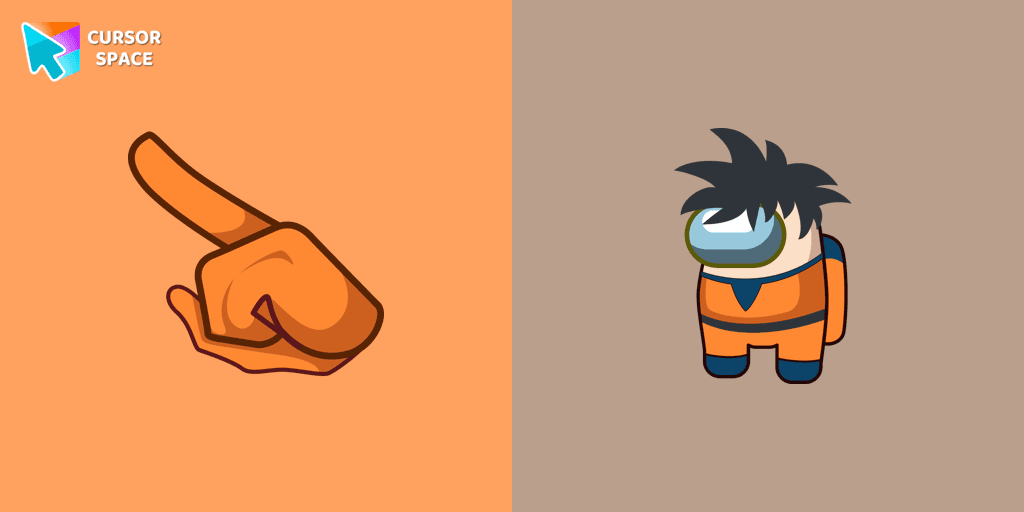
Enter the World of Dragon Ball with the Among Us Son Goku Character Cursor
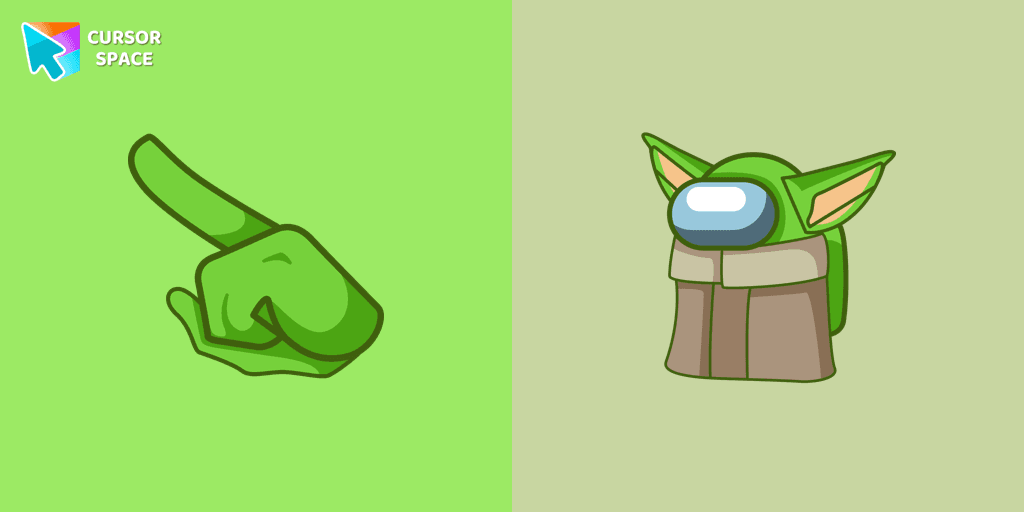
Among Us Baby Yoda Character Cursor - Unleashing the Cuteness and Mischief in Outer Space

Swing into Action with the Among Us Spider-Man Character Cursor
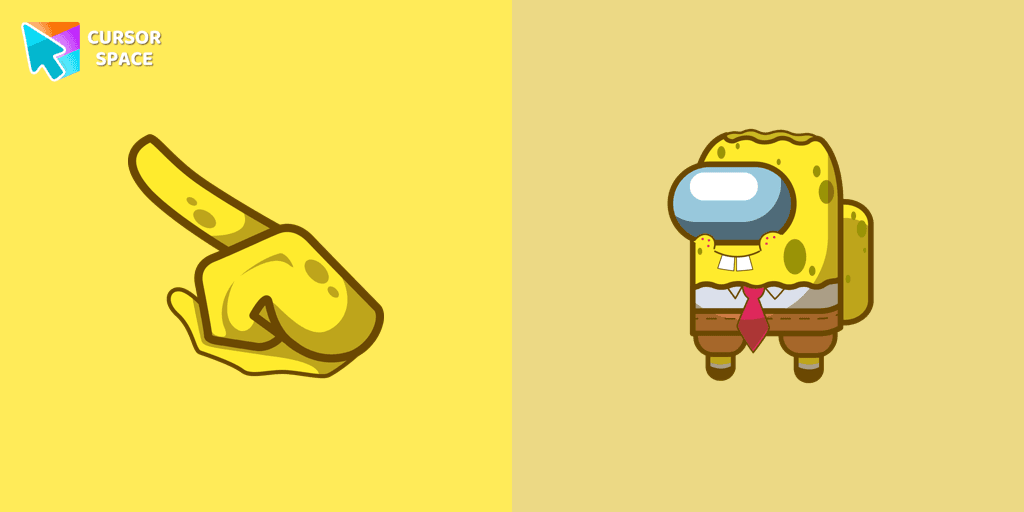
Our collection of custom cursors for Chrome now features the Among Us Spongebob Character cursor.
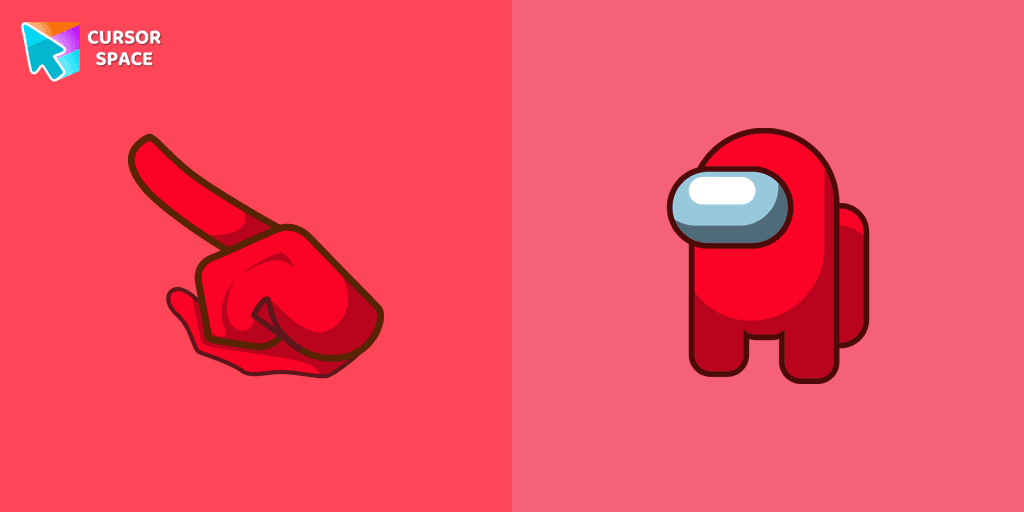
Among Us players have the option to select from a variety of colors to customize their in-game characters. In fact, there are 18 different hues available for selection in the game lobby.
Add packs instantly and unlock access to thousands of cursors: neon, anime, pixel-art, and more. Fast, safe, and free.
Cursor Space is an extension for changing your mouse cursor in Chrome and Edge browsers: themed collections, HiDPI icons, neon, animated, and pixel cursors, with quick installation.