
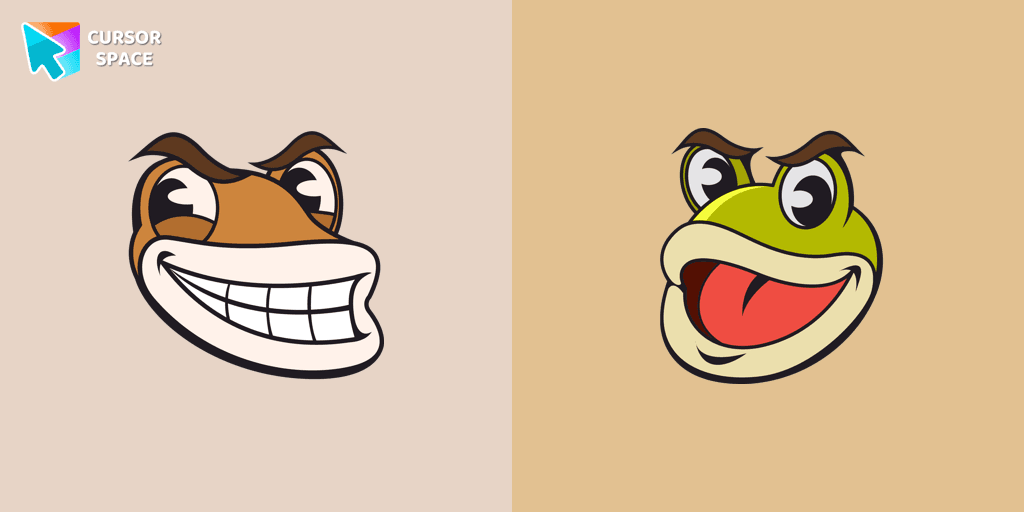
Ribby and Croaks cursor
85Free
Ribby and Croaks custom cursor for Google Chrome brings the iconic Cuphead bosses to life. Enjoy an animated, dynamic cursor that enhances your browsing experience
Oreo Grey Cursor provides a sleek and modern touch to your computer screen. With its simple and understated grey color, this cursor exudes elegance and sophistication. Navigating through your digital tasks becomes a refined and polished experience with the stylish Oreo Grey Cursor leading the way.
Install the Cursor Space extension for Chrome or Cursor Space for Edge in your browser.
On this page, click "Add this cursor pack to the extension".
Open the extension and go to the Packs tab.
Find the custom cursor pack "Oreo grey cursor" and click it.
Enjoy!
Get this cursor pack and thousands of others by installing our extension. It's fast and free!
Oreo Grey Cursor is a themed cursor pack you can add to your browser to personalize your pointer across common cursor states (default and pointer). Use it for everyday browsing, streaming, studying, or gaming-anywhere you want your cursor to match your vibe.
See how the cursors look before installing.
Add the pack to the extension in a few clicks.
Designed for Chrome and Edge via the extension.
Quick answers to common questions about cursor packs, collections, and installation.
Yes. To apply cursor packs in Chrome or Edge, install the Cursor Space extension and add this pack to it.
Cursor packs are designed for Chromium browsers like Chrome and Microsoft Edge.
Open the extension, choose another pack or disable the current one to return to your default cursor.
Custom cursor and packs - neon, anime, pixel art. Quickly add to Chrome and Microsoft Edge for free
Ribby and Croaks custom cursor for Google Chrome brings the iconic Cuphead bosses to life. Enjoy an animated, dynamic cursor that enhances your browsing experience
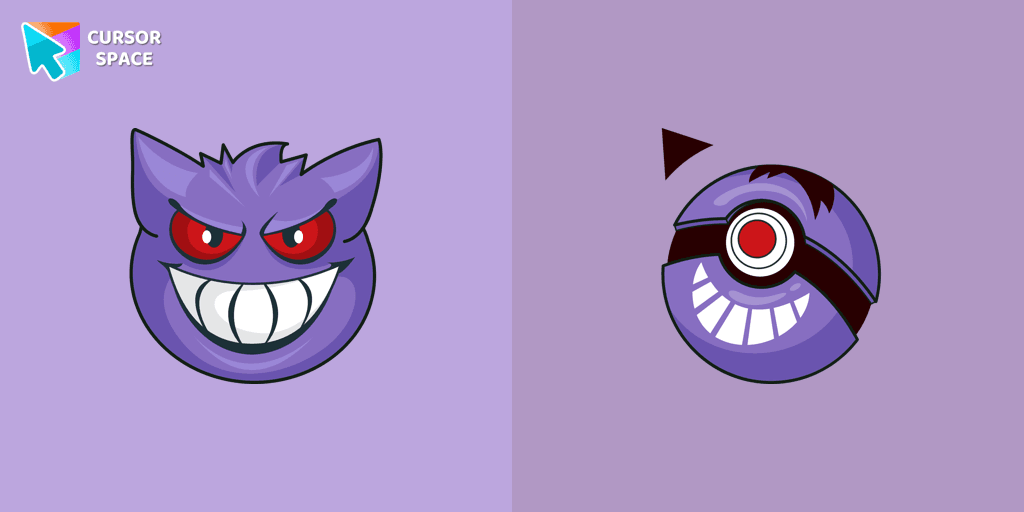

Pink Pixel Cursor is a custom cursor from our custom cursors collection for Chrome.
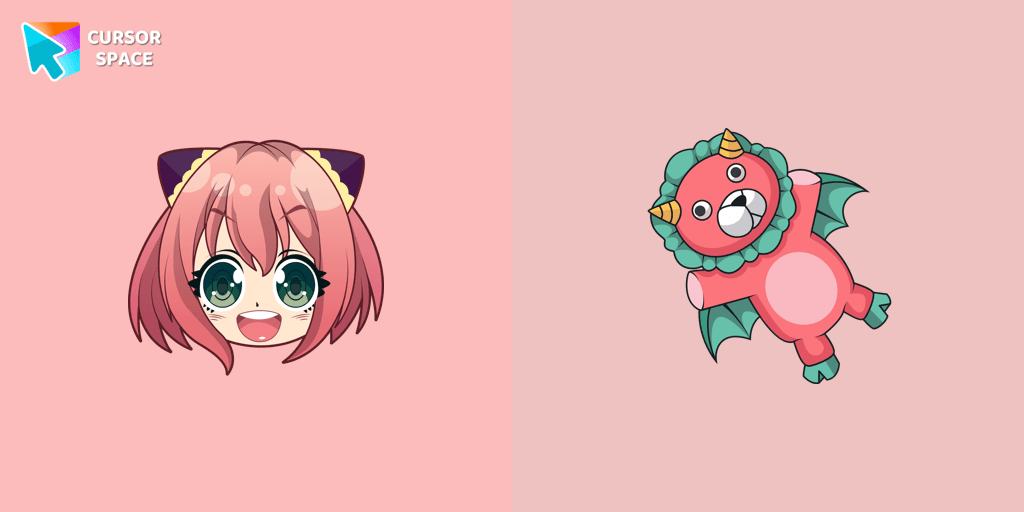
Custom cursor with Anya Forger is a good opportunity to change the usual mouse to the fans custom cursor.
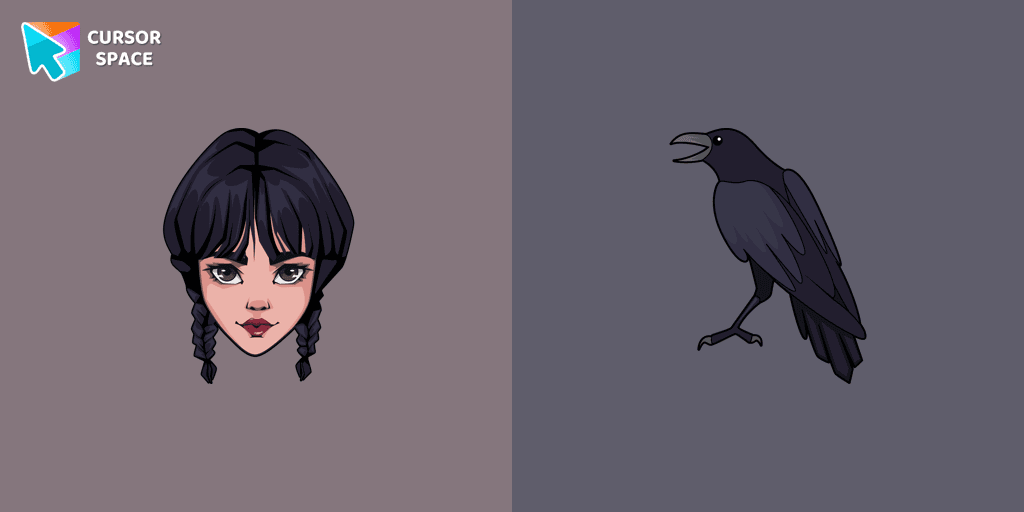
Wednesday custom cursor for a mouse is good fan art to decorate your browsing.
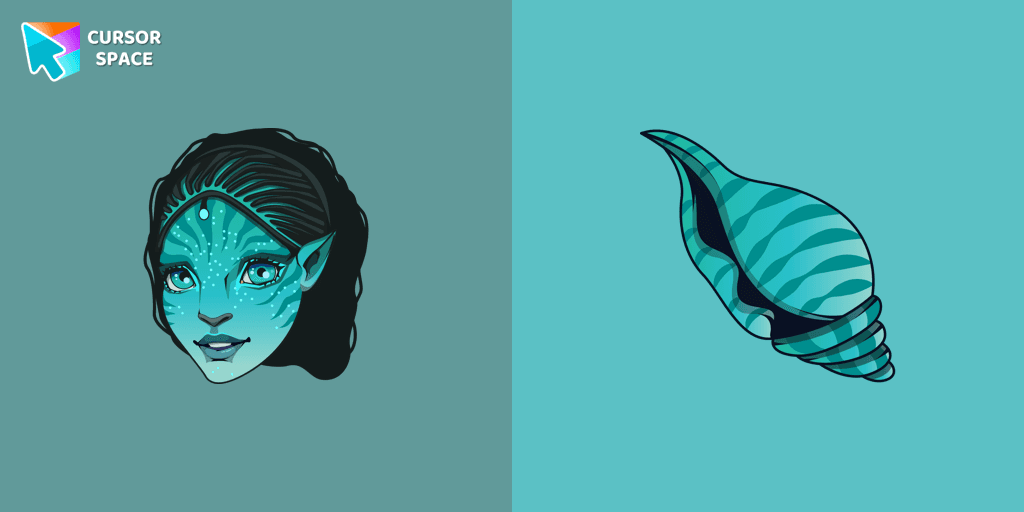
Tsireya from Avatar: The Way of Water custom cursor for the mouse and pointer in a terrific custom cursors collection.

Explore seamless navigation with our innovative custom cursor. The weightless cursor offers smooth, fluid movement for an improved digital experience.
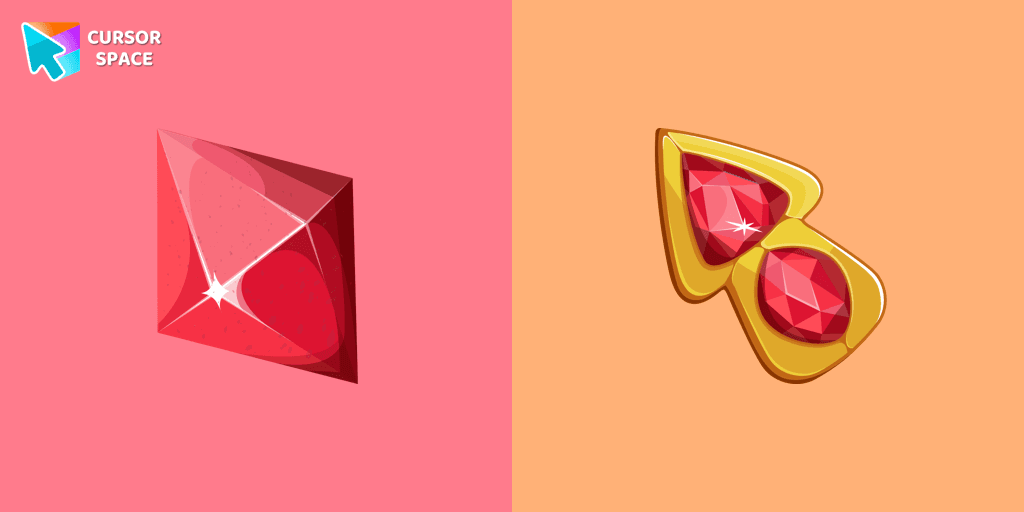
Let The Red Diamond lead the way and make your browsing experience extraordinary.
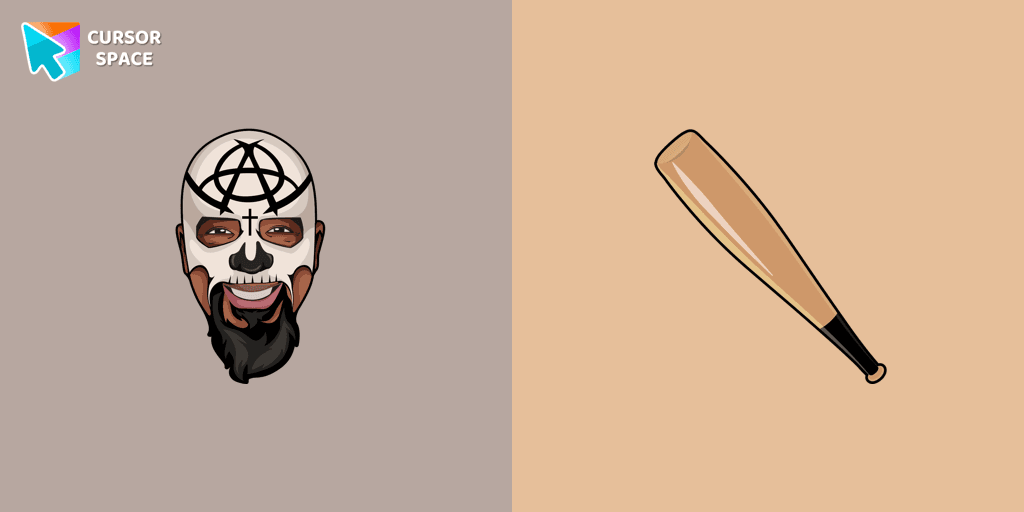
Tech N9ne cursor for mouse and custom hover pointer with a baseball bat in a Rappers collection of custom cursors.
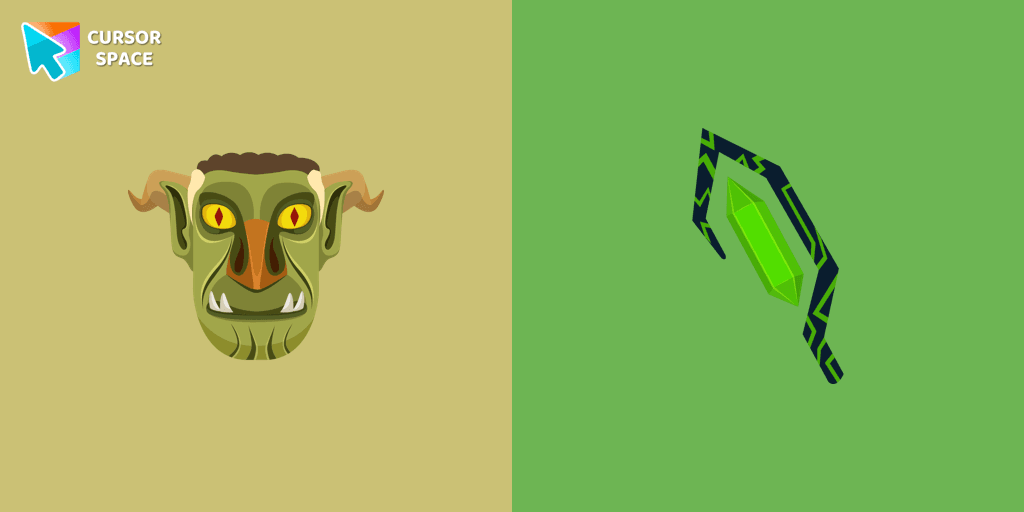
We are glad to present this custom cursor with Stricklander from the custom cursors collection for the mouse and pointer with Animation Movies.
Installation leaders from "Oreo collection": free packs, neon/anime/pixel art, quick add to Chrome and Edge.

Explore custom cursor collections featuring Oreo Spark Dark, Star Wars, and more. Personalize your interface today!

Add flair to your Chrome with Oreo Spark Pink custom cursors—perfect for a playful digital experience!

Explore our custom cursor collections, including Oreo Spark Violet. Personalize your Chrome with dazzling designs and vibrant colors.

Discover Oreo Spark Light Pink custom cursors for Chrome. Add a feminine touch to your desktop with these elegant, soothing designs.

Transform your desktop with Oreo Spark Red custom cursors for Chrome. Add vibrant flair and energy to your digital experience today!

Discover Oreo Teal custom cursors for a bold, modern look. Transform your workspace with vibrant, eye-catching designs.

Upgrade your interface with Oreo White Cursors. Enjoy a clean, custom cursor design that complements any digital environment.

Transform your desktop with Oreo Spark Purple Cursors. Add magic and allure to your interface with captivating custom cursors.

Enchant your screen with Oreo Spark Purple Cursors. Add magic and allure to your desktop with these captivating custom cursors.

Enchant your desktop with Oreo Spark Purple custom cursors for Chrome. Add a magical touch to your digital experience today!

Oreo Spark Lime Cursors add a vibrant, refreshing touch to your desktop with their lively lime color and dynamic design, perfect for a zesty interface.

Discover Oreo Blue custom cursors to add a playful touch to your desktop. Free, easy to install, and perfect for Windows!
Add packs instantly and unlock access to thousands of cursors: neon, anime, pixel-art, and more. Fast, safe, and free.
Cursor Space is an extension for changing your mouse cursor in Chrome and Edge browsers: themed collections, HiDPI icons, neon, animated, and pixel cursors, with quick installation.
