
Red Riding Hood Hello Kitty cursor
137Free
Add Red Riding Hood cursor in the collection of custom cursors with Hello Kitty for the browser.
Install the Cursor Space extension for Chrome or Cursor Space for Edge in your browser.
On this page, click "Add this cursor pack to the extension".
Open the extension and go to the Packs tab.
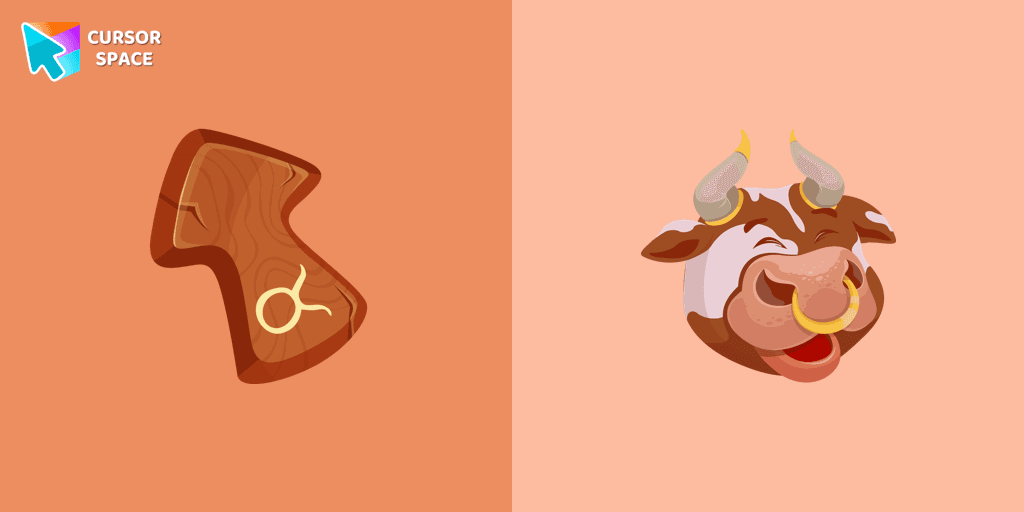
Find the custom cursor pack "Taurus Zodiac Sign cursor" and click it.
Enjoy!
Get this cursor pack and thousands of others by installing our extension. It's fast and free!
Taurus Zodiac Sign Cursor is a themed cursor pack you can add to your browser to personalize your pointer across common cursor states (default and pointer). Use it for everyday browsing, streaming, studying, or gaming-anywhere you want your cursor to match your vibe.
See how the cursors look before installing.
Add the pack to the extension in a few clicks.
Designed for Chrome and Edge via the extension.
Quick answers to common questions about cursor packs, collections, and installation.
Yes. To apply cursor packs in Chrome or Edge, install the Cursor Space extension and add this pack to it.
Cursor packs are designed for Chromium browsers like Chrome and Microsoft Edge.
Open the extension, choose another pack or disable the current one to return to your default cursor.
Custom cursor and packs - neon, anime, pixel art. Quickly add to Chrome and Microsoft Edge for free
Add Red Riding Hood cursor in the collection of custom cursors with Hello Kitty for the browser.
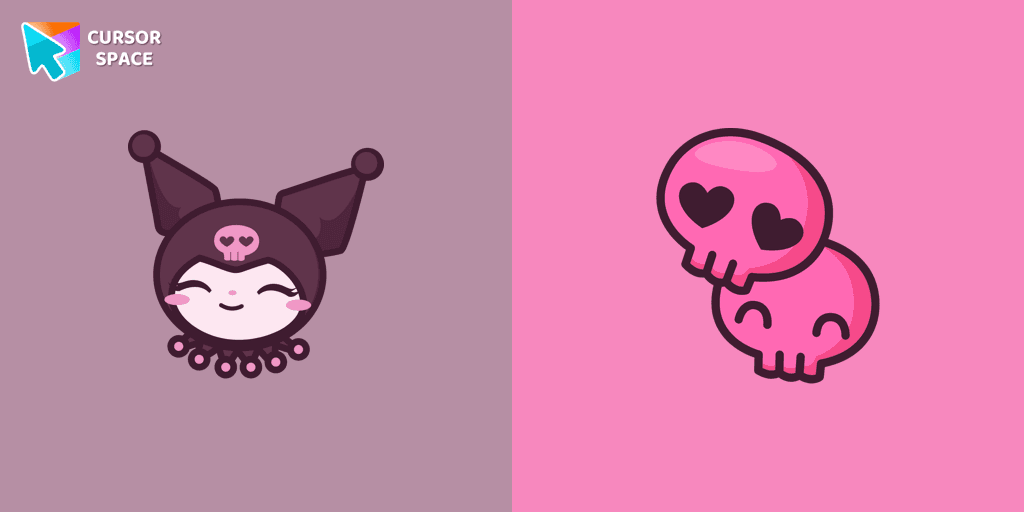
Kuromi is a white rabbit wearing a black jester's cap with a pink skull on the front and a black devil's tail. Kuromi cursor for a mouse is a good fan art to decorate your browsing.
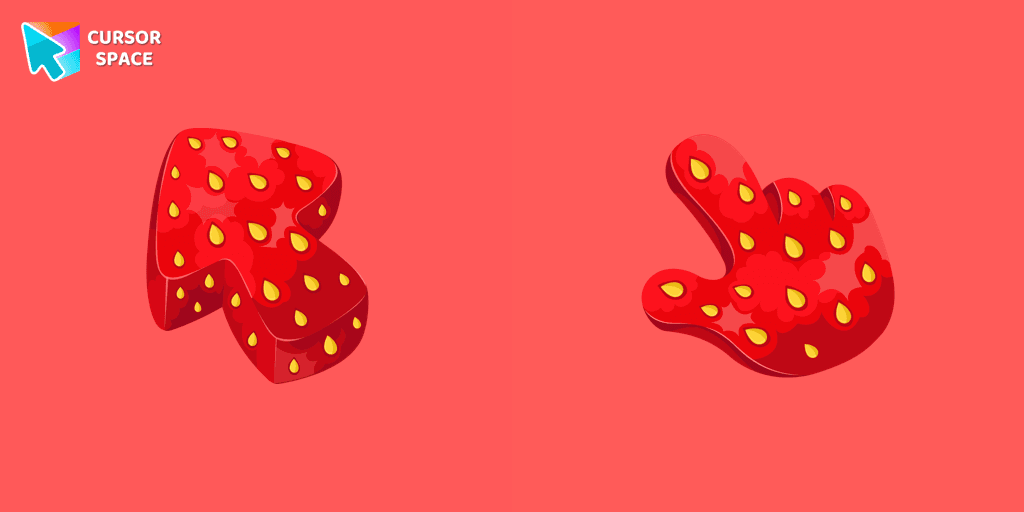
Enjoy the sweetness of summer anytime with our strawberry texture custom cursor designed to enhance your browsing experience and awaken your senses.
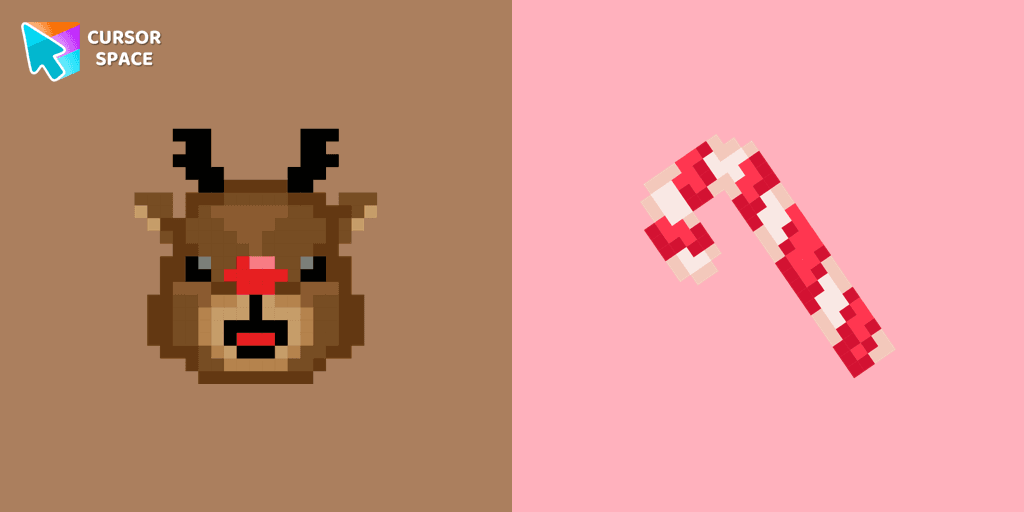
Cute custom cursor with Reindeer includes a mouse cursor in the form of a candy cane and a hover pointer with Reindeer.
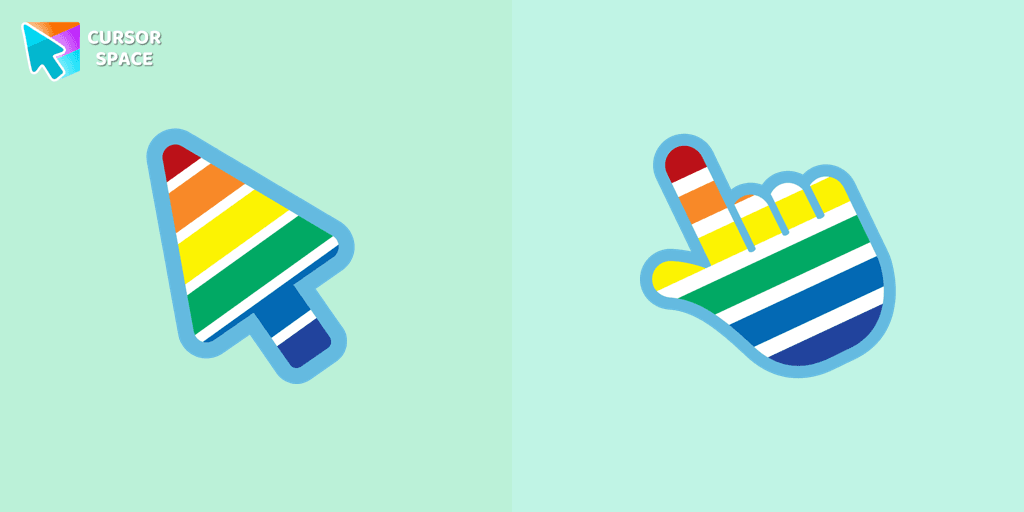
Experience the beauty of the rainbow in your browsing with The Rainbow cursor from our custom cursors collection for your browser.

Mr. Chimes Cursor is a custom cursor for Google Chrome that adds a creepy yet whimsical monkey trail to your mouse, personalizing your browsing experience.

Meet the custom cursor with Hello Kitty as a unicorn for Chrome in a Hello Kitty custom cursor collection for mouse and pointers.
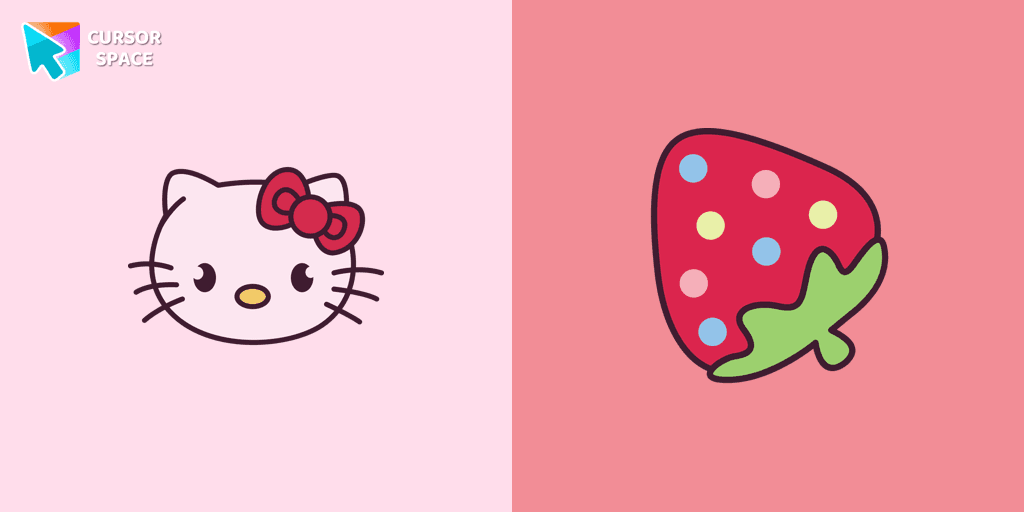
You can are able to select different outfits for your custom cursor with Hello Kitty to customize the looking.

XXXTENTACION cursor you can use as a custom cursor for mouse and pointer from our Rappers custom cursors collection for Chrome.
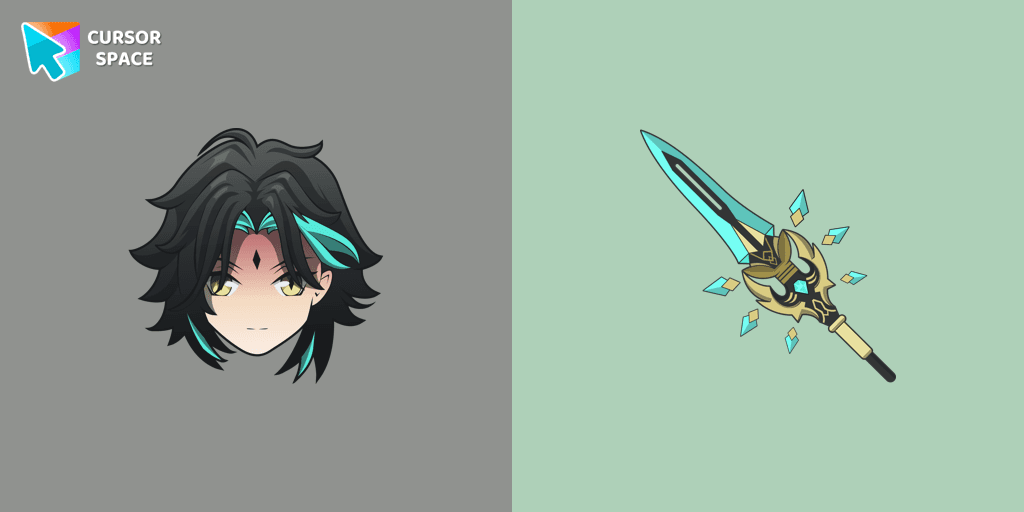
Add Xiao cursor in the collection of custom cursors with Genshin Impact for the browser.
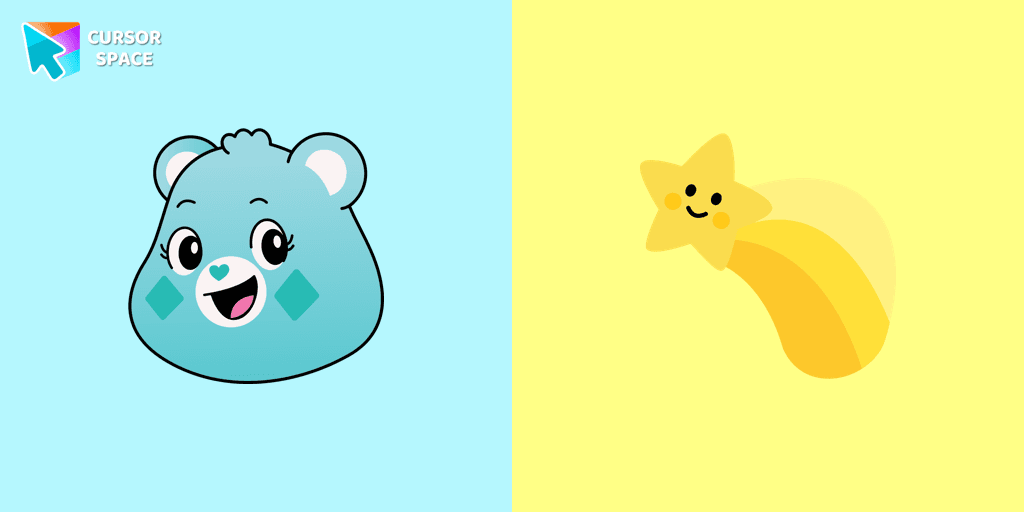
A yellow shooting star as a cursor for the mouse and a Wish Bear pointer will look pretty nice on your screen.
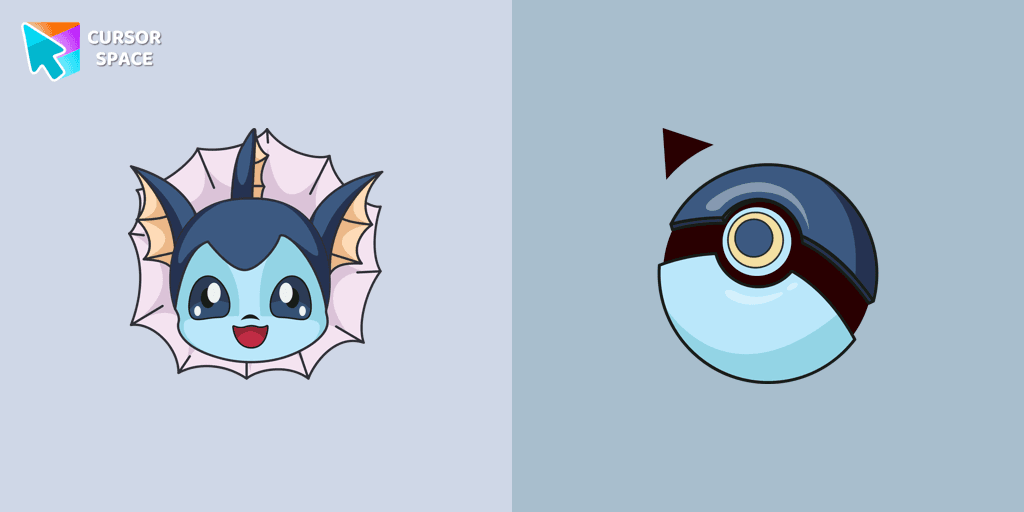
Meet the happy Vaporeon cursor for Chrome in a Pokémon custom cursors collection for mouse and pointers.
Installation leaders from "Zodiac Signs": free packs, neon/anime/pixel art, quick add to Chrome and Edge.
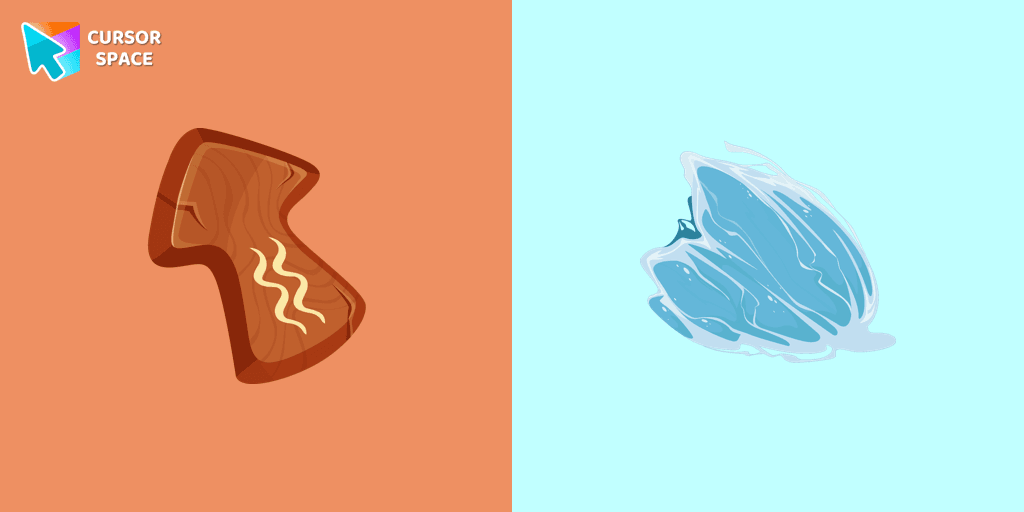
Independent and original owners of the Aquarius horoscope sign will love our cute Aquarius custom cursor and hover for the mouse. Funny designed twelve horoscope cursors in our gorgeous Zodiac Signs custom cursors collection for Chrome.
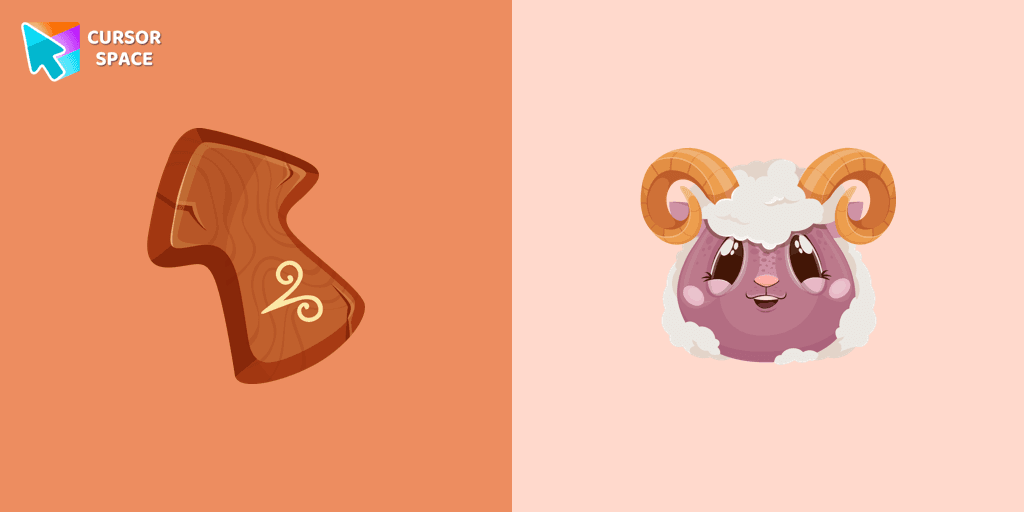
Energetic and optimistic owners of the Aries horoscope sign will love our cute Aries custom cursor and hover for the mouse.
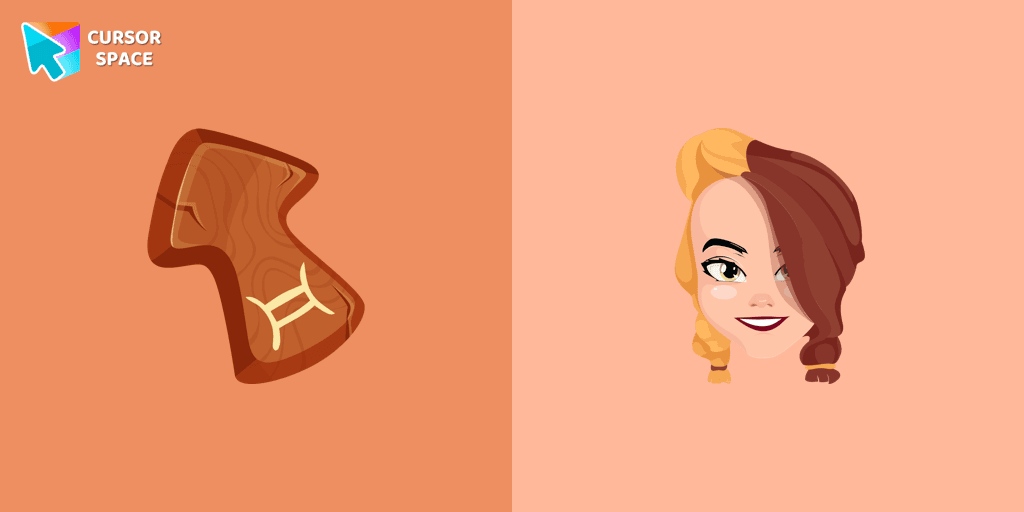
Gentle and optimistic owners of the Gemini horoscope sign will love our cute Gemini custom cursor and hover for the mouse.
Add packs instantly and unlock access to thousands of cursors: neon, anime, pixel-art, and more. Fast, safe, and free.
Cursor Space is an extension for changing your mouse cursor in Chrome and Edge browsers: themed collections, HiDPI icons, neon, animated, and pixel cursors, with quick installation.